What's new?

Changelog

New features, integrations, and improvements to 2sync. Stay up to date with what we're building.

New Feature
Simo Elalj

Simo Elalj

14-day free trial on all plans

New landing page and 14-day free trial

2sync has a new home.

We rebuilt the landing page from the ground up. Here's what's new:

Improvement
Simo Elalj

Simo Elalj

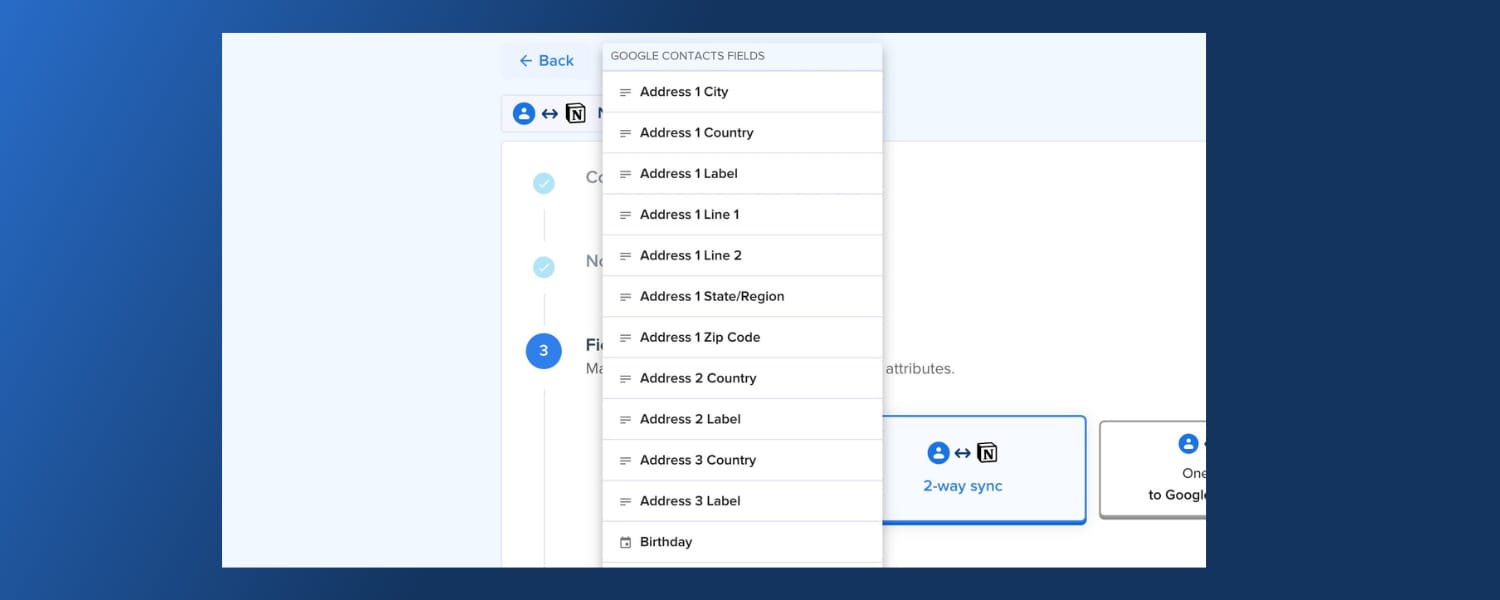
Google Contacts address fields and labels

Google Contacts address fields and labels

Google Contacts syncing just got more powerful.

Three big improvements:

  • Granular address fields. Sync street, city, state, zip, and country as separate Notion properties instead of one combined address field. Filter and sort your contacts by location.
  • Email, phone, and address labels. Labels like "Work", "Home", and "Mobile" now sync as their own fields, so you always know which number is which.
  • Smarter address parsing. Single-line addresses, region names like "California" or "Ontario", and country codes in any format are now parsed correctly.

Also in this release:

  • Message ID field for Gmail and Outlook Mail syncs.
  • Simplified billing page with a single button to manage your subscription.
  • Clearer field names. "Description" is now "Notes/Description", and "Street" is now "Line 1".
New Integration
Simo Elalj

Simo Elalj

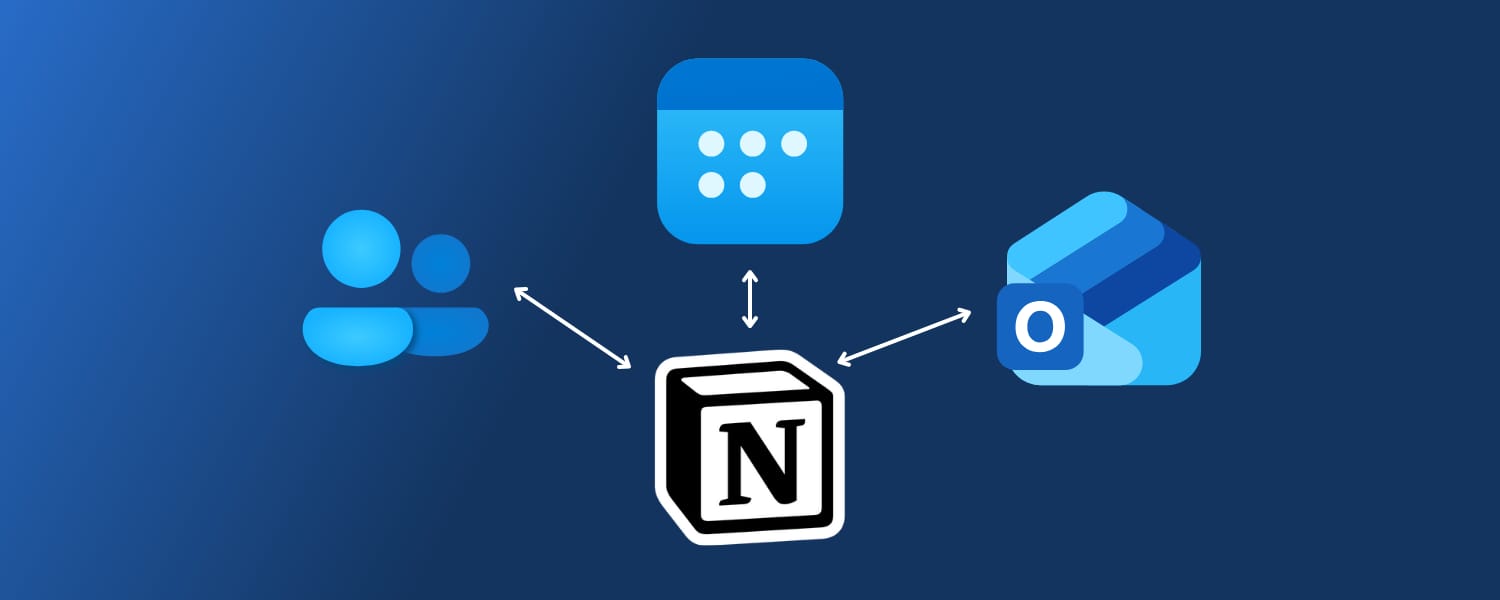
Notion & Outlook integrations

Outlook and Notion integrations

Outlook now syncs with Notion.

Three new integrations:

  • Calendar. Events flow both ways between Outlook Calendar and Notion databases.
  • Contacts. Keep your Outlook contacts in sync with Notion.
  • Mail. Save email threads and messages from Outlook to Notion.
New Integration
Simo Elalj

Simo Elalj

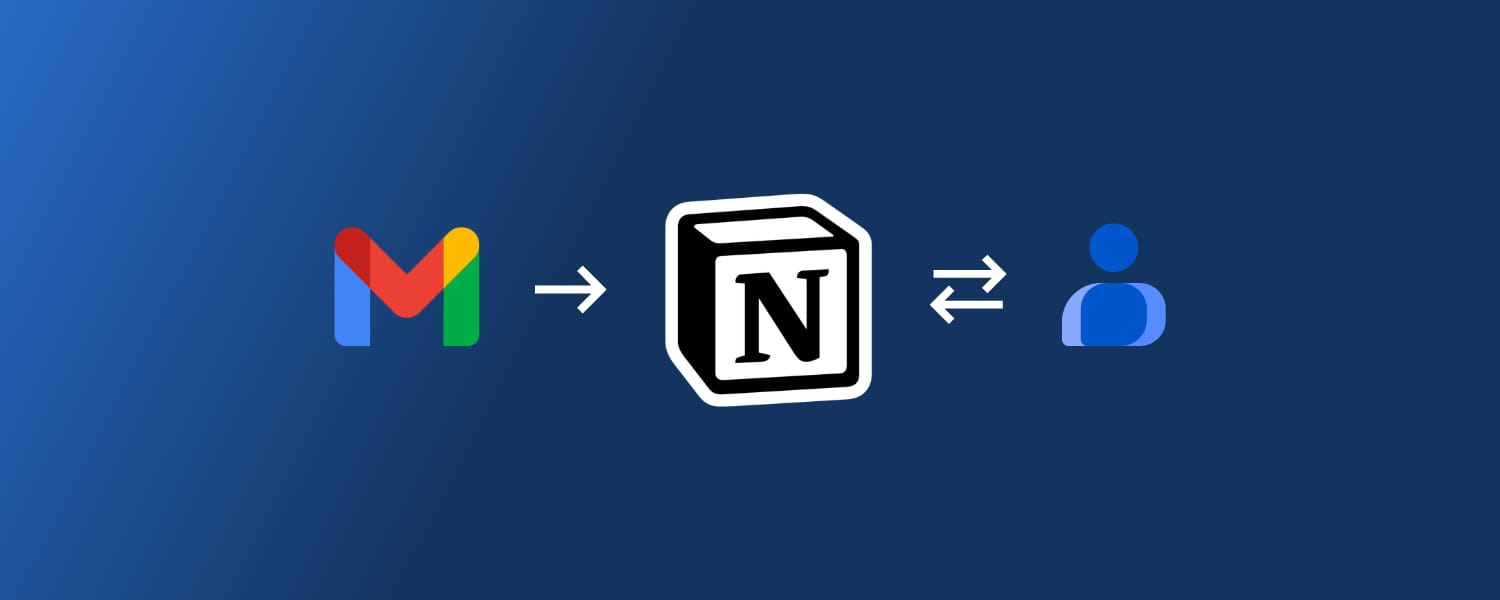
Gmail and Google Contacts sync with Notion

Gmail and Google Contacts sync with Notion

Two new integrations: Gmail → Notion (one-way) and Google Contacts ↔ Notion (two-way).

Both follow the same onboarding flow as existing 2sync automations: connect, choose a Notion database, set filters, map fields, and start syncing.

Gmail → Notion

Bring emails into Notion for triage, collaboration, and tracking without changing how you use Gmail.

Mappable fields: Subject, preview/snippet, sender, recipients, CC, BCC, labels, email ID, Gmail URL, received date, threading helpers (parent/previous/next message), sync metadata. Attachments are added as links, not uploaded into Notion.

Filters and settings: Choose mailboxes and categories (Inbox, Starred, Important, Social, etc.), limit by timeframe, set sync frequency. Conservative deletion by default (un-sync instead of hard delete), with an option to allow true deletion from Notion.

Google Contacts ↔ Notion

Turn Notion into a lightweight CRM or keep existing pages in sync with Google Contacts.

Mappable fields: First/last name, nickname, emails, phone numbers, addresses, country, job title, birthday, description/notes, photo, labels/tags, contact URL, person ID, sync metadata.

Filters and settings: Set sync frequency, optionally add Notion links in Google Contacts description for cross-navigation, include historical Notion entries, ignore already-linked items to avoid duplicates. Conservative deletion by default.

New Feature
Simo Elalj

Simo Elalj

Release notes June 2023

2sync relaunch: multiple automations, sync direction, and more

2sync relaunched with a major platform update.

What's new:

  • Multiple automations. New plans support up to 10 active automations, so you can sync across several services at once.
  • New calendar properties. Customize event color, track response status, trigger deletion on Google Calendar, and sync attendees between Notion workspace members (People) and contacts (Relation).
  • Sync direction options. Choose two-way sync, one-way from Notion to calendar, or one-way from calendar to Notion. Map formula and rollup values to any compatible field.
  • More default Notion value types. Status, Relation, People, and Page Emoji are now supported as default values.
  • Advanced sync settings. Set a sync timeframe of up to 2 years, choose the default event duration when no end date is set in Notion, and sync as often as every 2 minutes.
  • Todoist and Google Tasks integrations announced for release by end of June 2023.